
Architecture & 3D visualization
How to turn a 2D floor plan into a 3D model.
A 2D floor plan is excellent for dimensions and layout, but it can be difficult for a client or buyer to mentally turn lines on a page into a space. Converting that plan into 3D makes scale, circulation, room relationships, and spatial intent much easier to understand.
By Pranamya Upadhyay · Published September 14, 2026 · Updated September 20, 2026
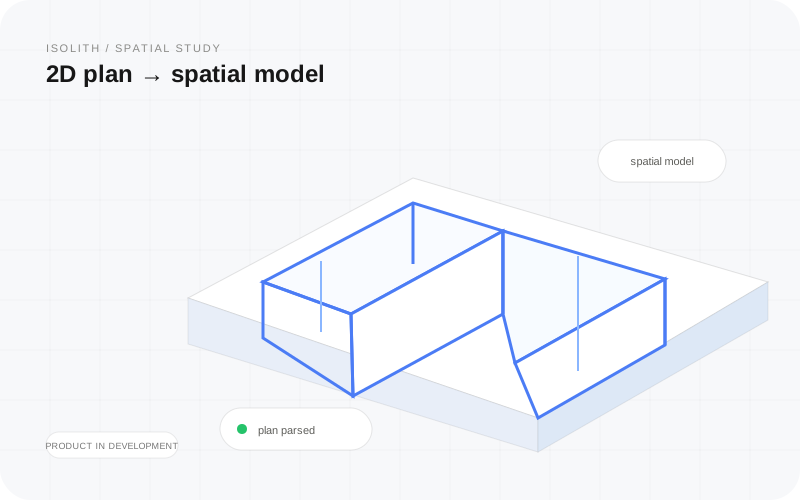
What “2D floor plan to 3D” can mean
The phrase describes several different outputs. Some tools create a static isometric image. Others generate editable 3D geometry. Some focus on photorealistic interior renders, while others create a navigable model you can actually walk through. Choosing the right workflow starts with deciding what the viewer needs to do with the result.
- — 3D model: dimensional geometry representing walls, rooms, and openings.
- — 3D render: a static visual image of the space, often styled or photorealistic.
- — 3D walkthrough: a navigable or animated experience that communicates movement through the space.
- — Editable CAD/BIM: technical geometry intended for professional design or documentation workflows.
The traditional manual workflow
Traditionally, a designer imports the plan into a 3D application, scales it from a known dimension, traces the walls, adds wall height, places doors and windows, then builds or imports furniture and finishes. This approach offers control, but it takes time and depends heavily on the skill of the person rebuilding the plan.
Manual modeling is still appropriate when the output needs to be highly editable, construction-aware, or integrated into an existing CAD/BIM process. It is less efficient when the immediate goal is simply to help a stakeholder understand the space.
The automated or AI-assisted workflow
Modern floor-plan tools can analyze the drawing and identify structural features such as walls, room boundaries, and openings. The software then uses those detected elements to generate a spatial representation. A good workflow still includes a review step because plan quality, line weight, annotations, symbols, and scanning artifacts can affect detection.
The biggest advantage is speed: the user starts from the plan they already have instead of redrawing the project from scratch. This is especially useful for early design reviews, client presentations, pre-construction sales, and fast layout discussions.
What makes a good input floor plan?
Clear geometry produces better results. Walls should be easy to distinguish, the plan should not be heavily obscured by notes, and a known scale or dimension helps when accurate proportions matter. Digital exports usually provide cleaner input than low-resolution photos, but many modern tools can still work from common image formats.
- — Use the highest-resolution plan available.
- — Keep wall lines and openings visually clear.
- — Crop out unrelated sheets or title blocks when possible.
- — Verify detected geometry before relying on the 3D result.
When an interactive walkthrough is more useful than a render
A static render can be beautiful, but it shows only the viewpoint selected by the creator. An interactive walkthrough lets the viewer test the plan from multiple positions, understand transitions between rooms, and experience scale in a more direct way. That makes walkthroughs useful when the question is not just “what will this look like?” but “what will it feel like to move through this layout?”
Where Isolith fits
Isolith is Social Linker's product for turning 2D architectural plans into interactive 3D walkable models. The focus is spatial communication: helping architects, interior designers, real-estate teams, developers, and clients understand a floor plan as a space instead of only as a drawing.
It is best thought of as a visualization and communication layer rather than a replacement for professional construction documentation.
How to choose the right 2D-to-3D tool
Start from the outcome. If you need technical editable geometry, choose a CAD/BIM-oriented workflow. If you need photorealistic marketing imagery, prioritize rendering. If the main goal is to help someone understand the layout and move through it, prioritize an interactive walkthrough.
Also consider input formats, review controls, browser accessibility, collaboration, export options, and how much manual reconstruction the tool still requires.
FAQ
Can a 2D floor plan be converted into 3D automatically?
Yes. Modern tools can detect walls, rooms, doors, windows, and other plan geometry to create a 3D representation. The amount of manual correction depends on the quality of the plan and the type of output required.
Is a 3D walkthrough the same as a 3D render?
No. A render is usually a static image. A walkthrough is an interactive or animated spatial experience that lets someone move through the layout and understand room relationships.
Does a 2D-to-3D tool replace CAD or BIM?
Usually not. Visualization tools are useful for communication, review, and early spatial understanding. Construction documentation and engineering workflows still require the appropriate CAD or BIM tools.